Apimac Slideshow makes it easy to transform your photos, videos, and music into engaging slideshows. Create videos ready to share on social media, or put together polished presentations to showcase your work to clients, colleagues, and audiences. Bring your ideas to life with beautiful transitions, music, and creative possibilities.


Create beautiful slideshows and presentations
Photos, videos, and music brought together in stunning presentations.
Bring your photos, videos, and music together in stunning slideshows you can share on social media, or create polished presentations to showcase your work to clients, colleagues, and audiences. Apimac Slideshow gives you everything you need to create engaging visual presentations, without the learning curve of traditional video editing software.

Easy to use, from start to finish
Create slideshows in four simple steps.
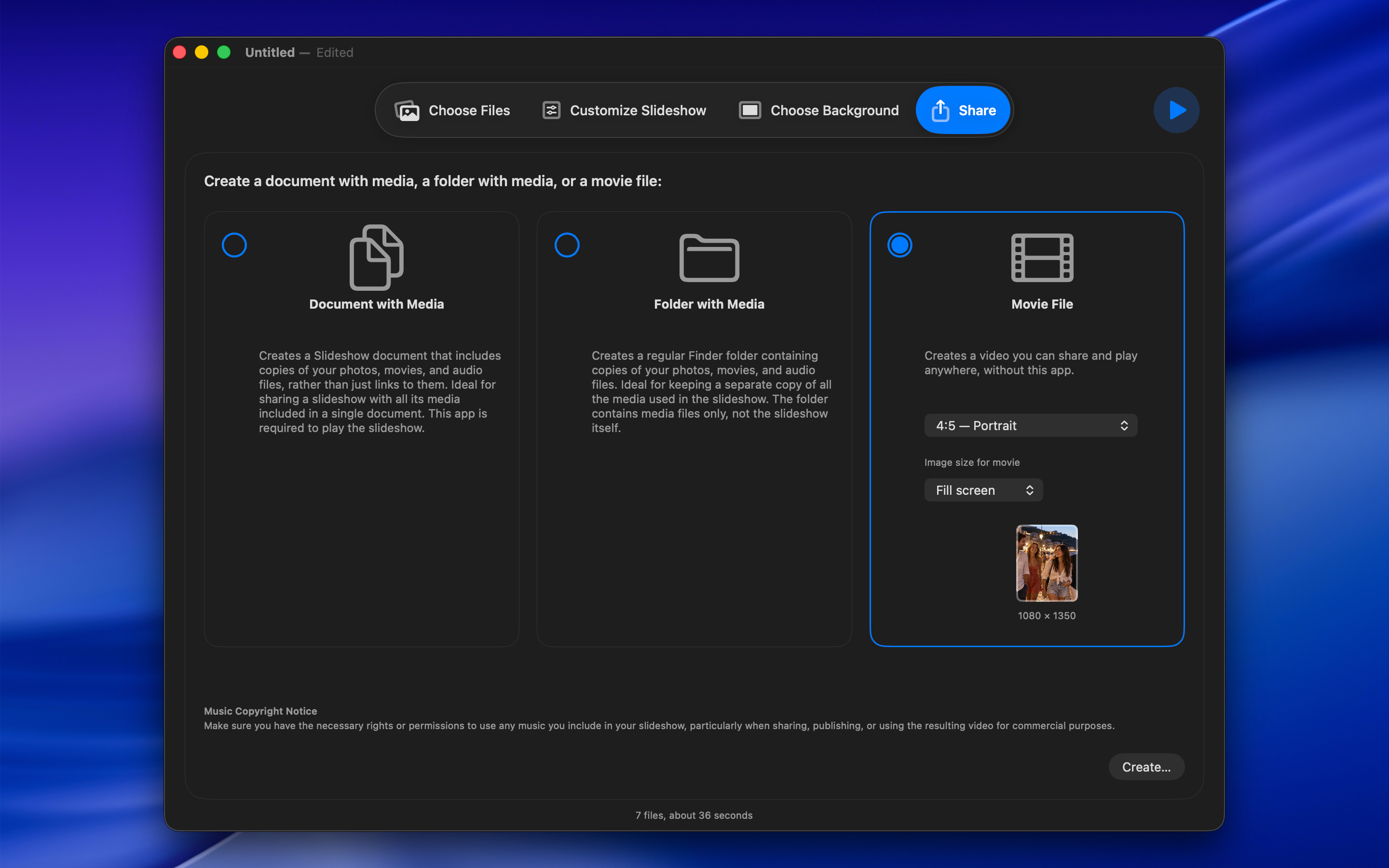
Creating a slideshow is simple. Just follow four steps: Choose Files, Customize Slideshow, Choose Background, and Share. Add individual photos and videos or entire folders using drag and drop, then arrange everything to suit your needs. Enjoy automatic playback or take control manually. Set slide durations, enable looping, shuffle the order, and add personal notes or captions featuring file names, custom text, or both.

Make every presentation your own
Customize every detail to match your style.
Give your slideshows a distinctive look with colorful backgrounds, gradients, and photographic collections, or choose your own images. Add multiple soundtracks and bring your presentation to life with a variety of transitions, including Fade, Ken Burns, Wipe, Page Curl, and more. A live preview lets you see the results as you work. Fine-tune every detail with image fitting options, picture frames, and individual video audio controls. For more advanced presentations, use presenter tools, support for multiple displays, and customizable end credits featuring text and images.

Save and share your projects
Keep everything together and ready to share.
Keep everything together in a self-contained slideshow project that includes all the photos, videos, and audio files used in your presentation. Easily move your project to another Mac or keep a complete backup for future use. You can also export all your media files to a folder whenever you need them.